

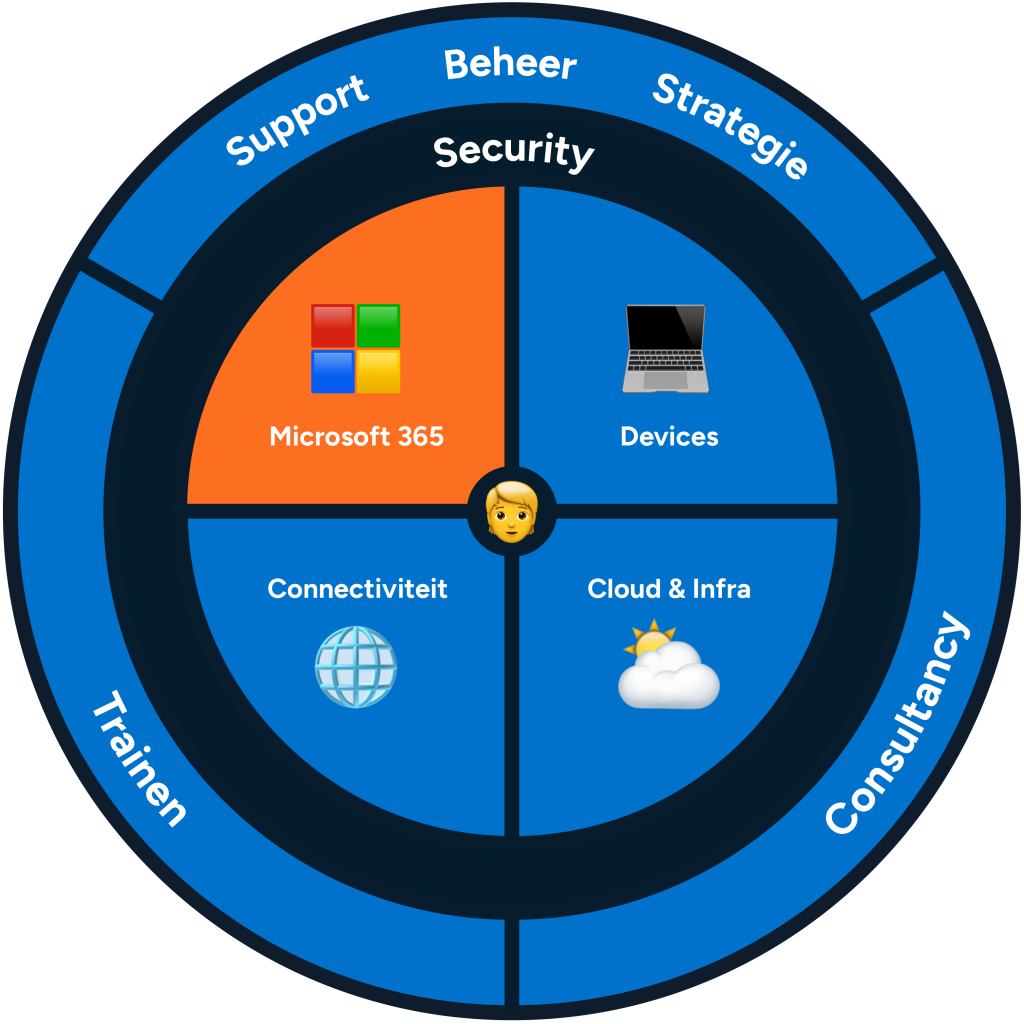

Microsoft 365
Microsoft 365 is a collection of Microsoft cloud services. That may sound a bit generic, but simply put it means that you can use Microsoft apps, online services and security tools via a subscription.
Microsoft 365 as the basis for your workplace
Subscription to growth
Microsoft subscriptions come in different forms and determine which services you can use, from a simple subscription for personal use to a business license.
With Microsoft Business and Enterprise licenses you receive all the apps to work together productively online and advanced security tools. Discover all the benefits of Microsoft 365 for your company on this page!
The Benefits of Microsoft 365 at IT Synergy

Increase productivity
With apps like Outlook, Teams and Word

Data in the cloud
Collaborate online anywhere in SharePoint and OneDrive

Safe working
With management & security tools

These customers can no longer do without

284 users

8 users-CSR

1063 users

56 users

1788 users

568 users

Collaborate online via Outlook and Teams
Microsoft 365 apps
With the full suite of Microsoft Office apps, you increase productivity within your organization. You work with well-known apps such as Word, PowerPoint and Excel. However, the total package is much broader than this. For example, you can cross off your to-do list together with Microsoft To Do and Microsoft Planner and it includes important management apps such as Intune and Azure Information Protection (we set this up!). All these apps are accessible via the cloud. This makes it easy to work together in the same document and files are always stored online.
Two key Microsoft apps for collaboration are Outlook and Teams. Microsoft Outlook is used for your email and calendar appointments. This contains your own work email, you create shared calendars and you add meeting rooms to link to meetings. You can use a desktop app, mobile app and online version.
Microsoft Teams is the platform for business communication. You can quickly connect with your colleagues via chat and video calls and easily share files. These are then immediately stored in your business cloud. Teams is then also linked to your Outlook calendar, so that you can create and open meetings in both apps.
Move to the cloud with OneDrive and SharePoint for business
Data always online
With Microsoft 365 you work professionally in the cloud. But what does this actually mean? The great thing about Microsoft's cloud services is that you can work together on files and that they are always accessible. With OneDrive you store everything online, both business and private. Then all your files can be shared within a business environment, which we also call SharePoint.
Read More
SharePoint is a site builder for companies and can be fully customized. For example, you can create an intranet with department pages to centrally store shared folders, share news and connect Teams. This way you can retrieve files from Teams in SharePoint, aka your business environment. As you can see, everything in the Microsoft cloud is connected for optimal collaboration.
Microsoft 365 management for businesses
Always up-to-date
When you work with Microsoft 365, the possibilities are endless. But if everything is already arranged by Microsoft, why do you still need an ICT party? This brings us to the part of managing that business environment in the Microsoft cloud. Because Microsoft offers the platform and all the tools, but this still needs to be properly set up and managed. That is where your IT partner comes in, who fully manages your business environment, or manages it, using various Microsoft tools.
Read More
As an ICT company, we remotely manage the user accounts and hardware within your organization. An important part of management is Identity & Access Management (IAM). With this, we set up the rights structure and access controls of your organization. In this way, we determine which persons have access to certain data and from which locations and devices this may be done safely. In addition, we manage all devices within your organization via Mobile Device Management (MDM) and Mobile Application Management (MAM) in Microsoft Intune. This way we ensure that all devices are set up according to our standard. Devices are therefore always compliant in terms of security, updated software and rights/access to business data.
Microsoft cloud security
Everything locked up
Cloud security , or information security , is a component within Microsoft 365 that flows through everything . In order to use the Microsoft platform anytime and anywhere , it is extremely important that company data is securely accessible. Various things are set up for this. Consider, for example, Conditional Access ( CA), Multi-Factor Authentication (MFA) and automatic backups . This is fully customized per company and per user, so that Microsoft apps and cloud services are always secured.
We love feedback
These users already love IT
Our service desk is ready to help you every day when you run into problems. We think along with you and ensure that you hang up the phone with a smile. See below the experience of our users.
CSAT 88
458 reviews in the last 90 days
Frequently Asked Questions
For many people, ICT is abracadabra, so we make it as easy as possible. Is your question or answer not listed? Please feel free to contact us.
What is Microsoft 365?
Microsoft 365 is a total package from Microsoft that gives access to all Office apps, such as Outlook, PowerPoint, Excel and Teams. It is a cloud solution that facilitates the online workplace and makes online collaboration even easier.
What is SharePoint?
SharePoint is a cloud solution within Microsoft 365, with which you can build internal sites as a company. Here you can safely store data, share information and connect an intranet. SharePoint is accessible via any device.
What is OneDrive?
OneDrive is a Microsoft solution to store files in the cloud. This way they are always and everywhere accessible, as long as you have an internet connection. OneDrive can be used for business and private purposes via a suitable license.
How much does Microsoft 365 cost?
The cost of a Microsoft 365 license depends on the functions your company needs. For example, there are Business Premium licenses for companies up to 300 users and Enterprise licenses for an unlimited number of users. An ICT partner will help you choose what suits you.